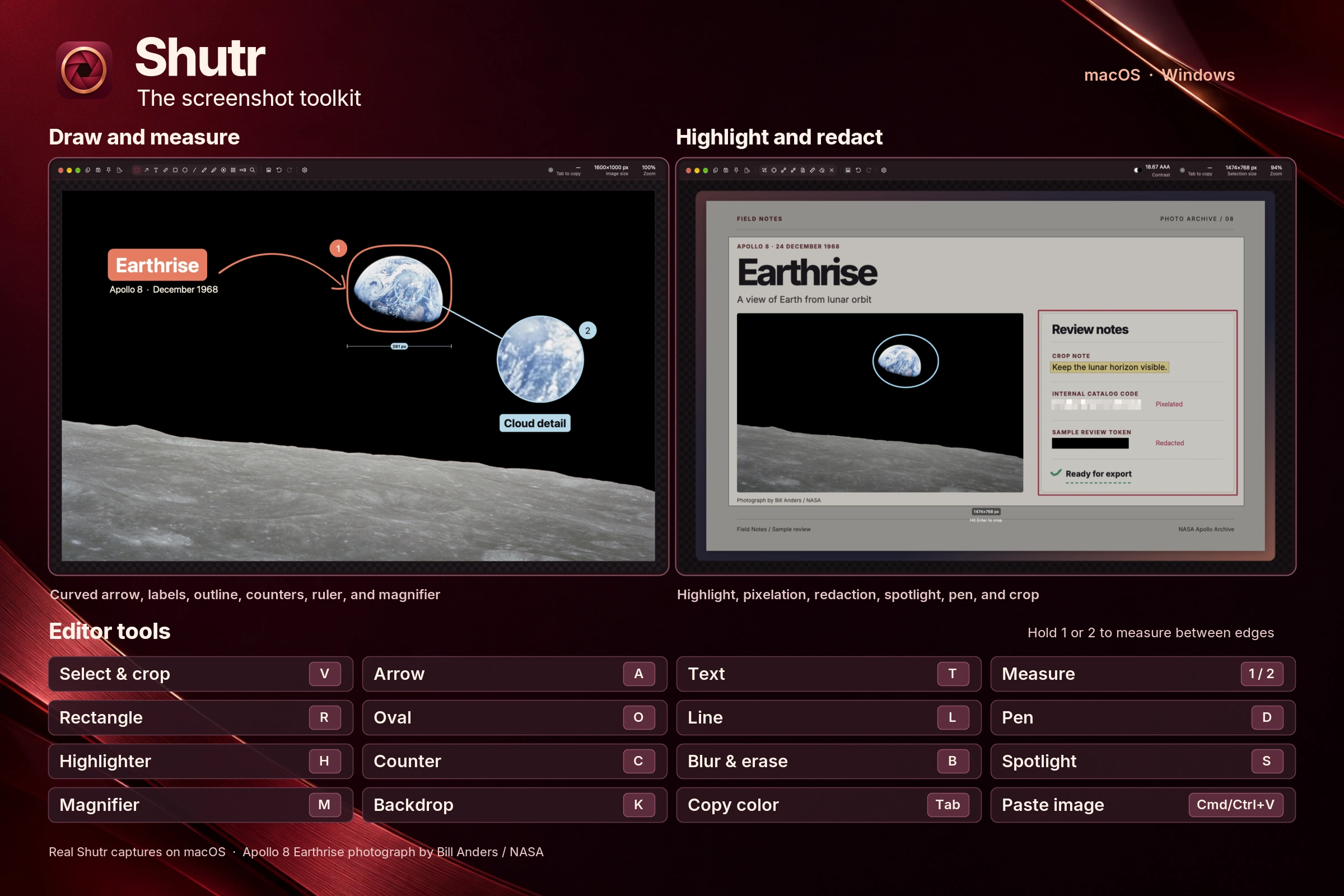
Fact sheet.
The short version, ready to lift.
Boilerplate, two lengths.
Copy either verbatim or trim it — both are yours.
One sentence
Shutr is an open-source screenshot and markup app for macOS, Windows, and Linux.
One paragraph
Shutr is a desktop screenshot tool for macOS, Windows, and Linux. Capture a region or display, then use arrows, text, numbered markers and blur to prepare the image. Text and QR recognition run on the computer. On macOS, Windows, and X11, copy or save from the floating thumbnail, drag its PNG into another app, or pin an image above other apps as a reference. Shutr is based on the original MIT-licensed Kiri by Timofey Maximov and Kiri contributors.
Four ways into the story.
Capture beyond one screen
Capture a region, a window, or a scrolling page as a single image.
Show exactly what changed
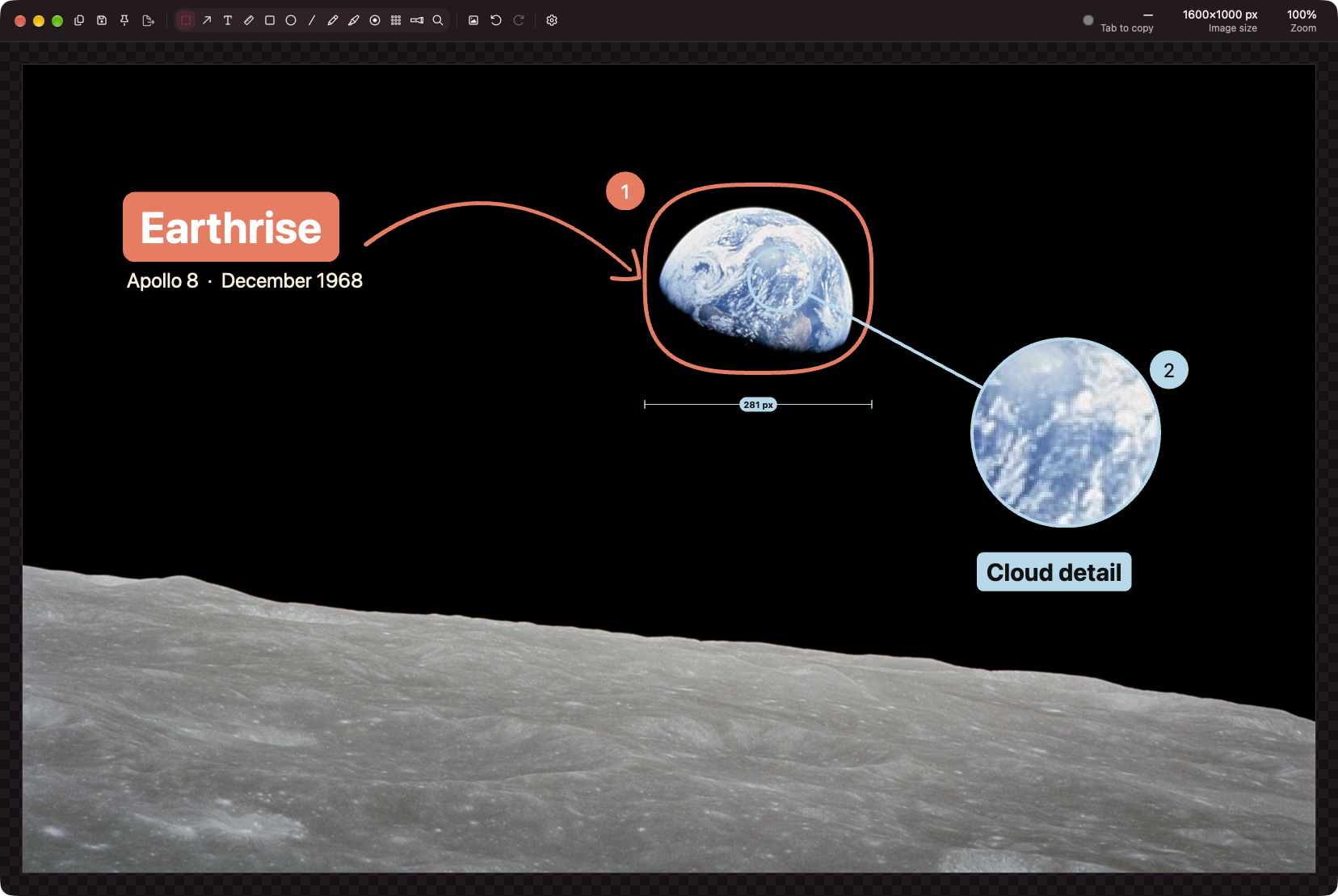
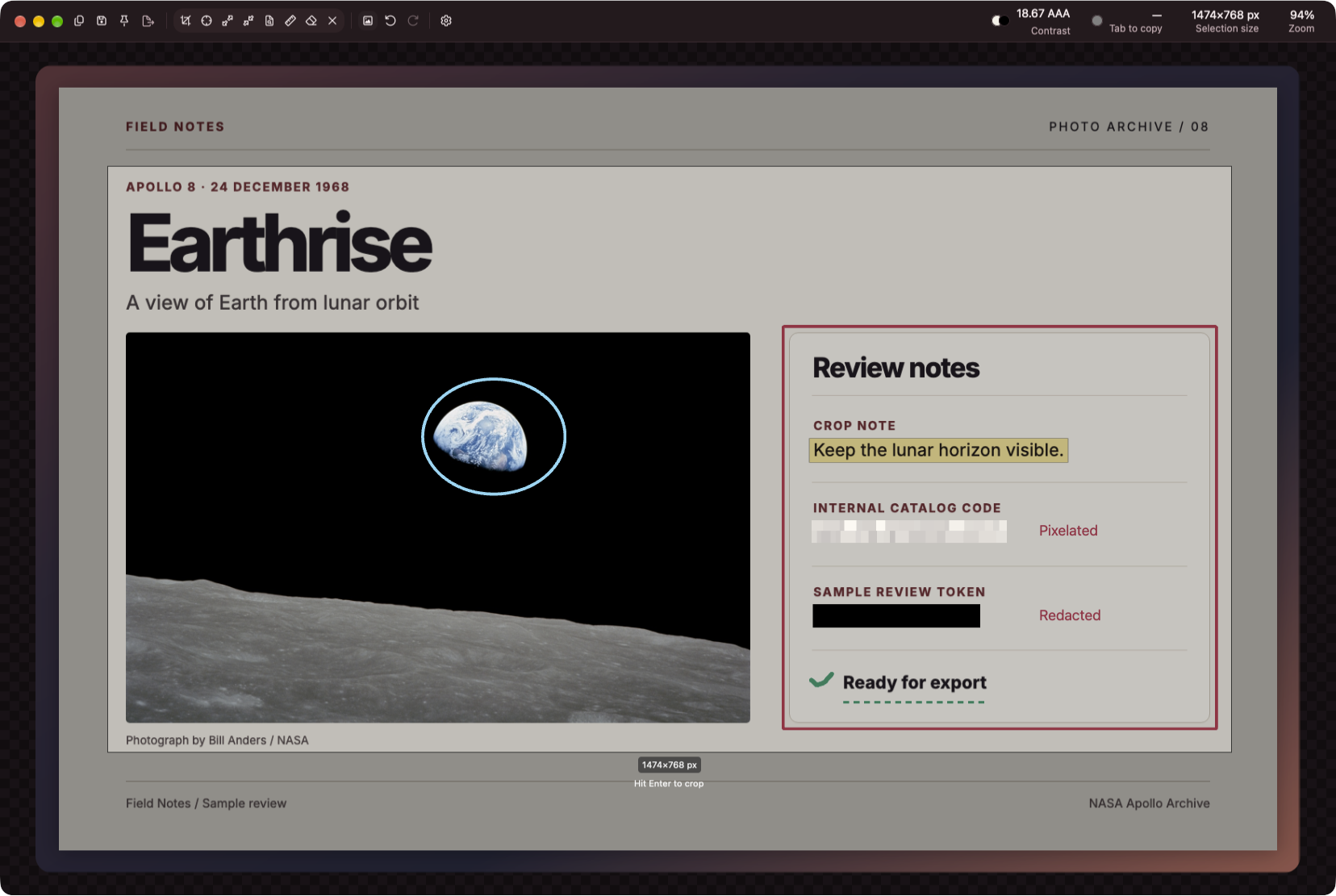
Use arrows, text, numbered markers, and blur to prepare a screenshot for feedback or a guide.
Keep a capture beside your work
Pin a screenshot above other windows to compare layouts or follow instructions. Zoom in to read the details, or turn on click-through to reach the app below.
Copy text without retyping it
Copy an error message or read a QR code from the capture. Recognition runs on the device.
Screenshots and artwork.
Click any picture to see it full size — arrow keys move between them. Every file is free to publish at any size or crop.
Sample photo by NASA / Bill Anders. Apollo 8 Earthrise
The person behind it.
Abdelraouf Sabri
Senior Android engineer · Egypt
Abdelraouf Sabri is a senior Android engineer with seven-plus years shipping production mobile apps, Google-certified in Android, and an independent developer working from Egypt. He builds the studio's apps and developer tools end to end — design, code and release — and takes on Kotlin Multiplatform client work alongside them.
Press FAQ.
Can I use the screenshots, icon and copy?
Yes, freely and without asking — in articles, videos and social posts, for coverage of the studio or its products. The one request is that the icon is not recoloured, stretched or restyled.
Is anything here under embargo?
No. Everything on this page is public the moment you read it, so publish whenever suits your schedule. There is no date to hold to and no coverage expected in return.
Is the developer available for interviews?
Yes — written questions usually come back within a day, and calls can be arranged across European and Middle East time zones. The contact form reaches the person who wrote the software, not a press desk.
Something is missing or looks out of date. What then?
Ask through the contact form. If a fact on this page has moved, a screenshot is stale, or you need an asset at a size that is not published here, it can usually be supplied the same day.
Brand assets.
The icon and the colours. Please do not recolour, stretch or restyle the icon.


Palette
Everything, zipped
All 8 files, plus the boilerplate and the fact sheet as plain text.
Talk to a human.
Review copies, promo codes, an interview, or anything missing from this page — the contact form reaches the person who wrote the software, and you will hear back within a day.
Nothing here is under embargo · free to reproduce · no coverage expected